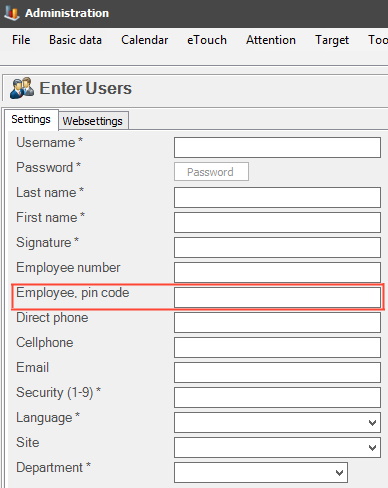
With this special function activated, it is possible to use a pin code to check in to the web application BZX21 instead of a signature. This pin code is created via "Client" - "Administration" -> "System settings" -> "Basic data" -> "Users" -> "Employee pin code". Please note that it has to be numerical. Here is more information on how that form works.
This special function also works in two similar Widgets in the web application BZX21. They are called "Signed in / Signed in large". To add Widgets go to the top right corner, and then use the menu there. In that menu go to the option called "Edit Template". This is where Widgets are added / removed in BZX21. Once this special function, and the Widgets are added, it will be possible to sign in with a pin code, and / or scan a pin code to sign in.