If it is the first time you use this function you might need some help from Delacroys support. The reason for this is that the fields listed below have to be added to Balthzars database object_company for this work as intended.
document_viewer
document_base_folder
document_type
Contact Delacroys support for any additional help/information.
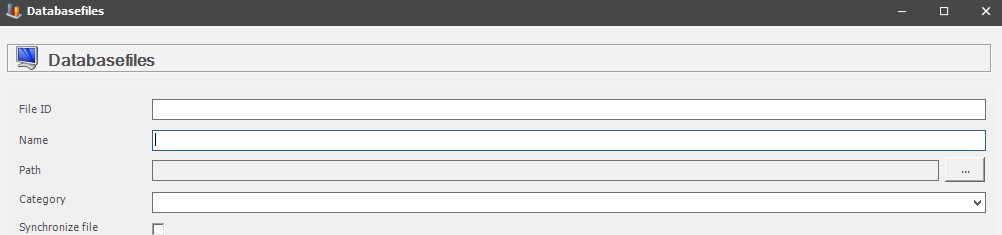
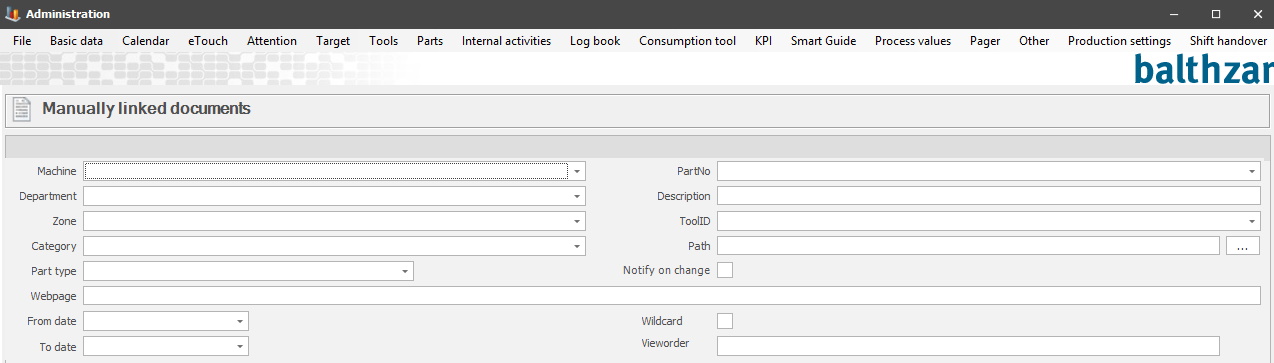
To see documents in the eTouch menu you have to upload them first. This is done via either "Client" -> "Administration" -> "System settings" -> "Basic data" -> "Documents" -> "Manually linked documents", here you can read more about that. Or via "Client" -> "Administration" -> "System settings" -> "Basic data" -> "File storage" -> "Database files", here you can read more about that. You can see pictures of both of the forms below.